Manage Contexts - List
Here you can view and edit some attributes of a Trisul Context.
You create and delete contexts with the CLI tools. See Use the CLI Tool Command to Create Context.
A Trisul Context is also known as a Tenant when used in a Managed Service Provider scenario.
The total number of available contexts will be displayed on the header of the dashboard.
👉 Context Admin → Manage → List Contexts
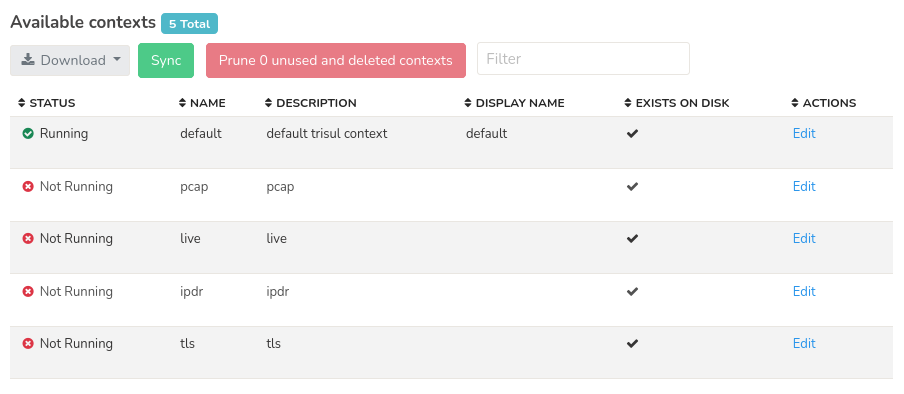
Figure: Showing list of all available contexts
The contexts list contains the following information as in the table.
| Column | Description |
|---|---|
| Status | Indicates the current status of the context such as running, not running |
| Name | Name of the context |
| Description | Brief description of the context providing additional information |
| Display name | Human-readable name of the context. Used for display purposes only |
| Exists on disk | Indicates whether the context exists in the local disk or not |
| Actions | Click on the edit button to edit the description and display name of the contexts |
Actions
Use the buttons on the top to perform these actions
Download
Click on the download button to download the list of all contexts in PDF, XLSX or CSV format.
Sync
Clicking on the Sync button syncs the contexts created and deleted with the CLI tools, so they show in the WebTrisul UI.
Prune Unused and deleted contexts
Clicking on prune unused and deleted contexts removes unnecessary context data to free up resources.
Filter
Use the filter bar to enter a string and search for a particular context name.
Edit Context
By selecting the "Edit" option you can change some values of the context
| Field | Description |
|---|---|
| Context Name | Read only, this cannot be changed as it is assigned at creation time using the CLI Tools |
| Description | For your internal usage, this will not be displayed |
| Display Name | When set, this is displayed in the login screen and in other places instead of the context name |
| Context Logo | A Logo that is shown in addition to the product logo when a user logs into that context. See below |
The Context or Tenant Logo
For MSP Users an optional logo can be associated with a Tenant (context), this logo will be shown as follows.
👉 Login as admin Go to Context:default → Admin Tasks → Start/Stop Tasks
Click on the action button against the hub and click Change Customer Logo
Click choose file and upload the logo image to set it as Tenant logo.
Logo Setting Options
- Setting 1 (Dual Logo)
Display a customer logo alongside the Trisul Logo on the top panel as in the figure.
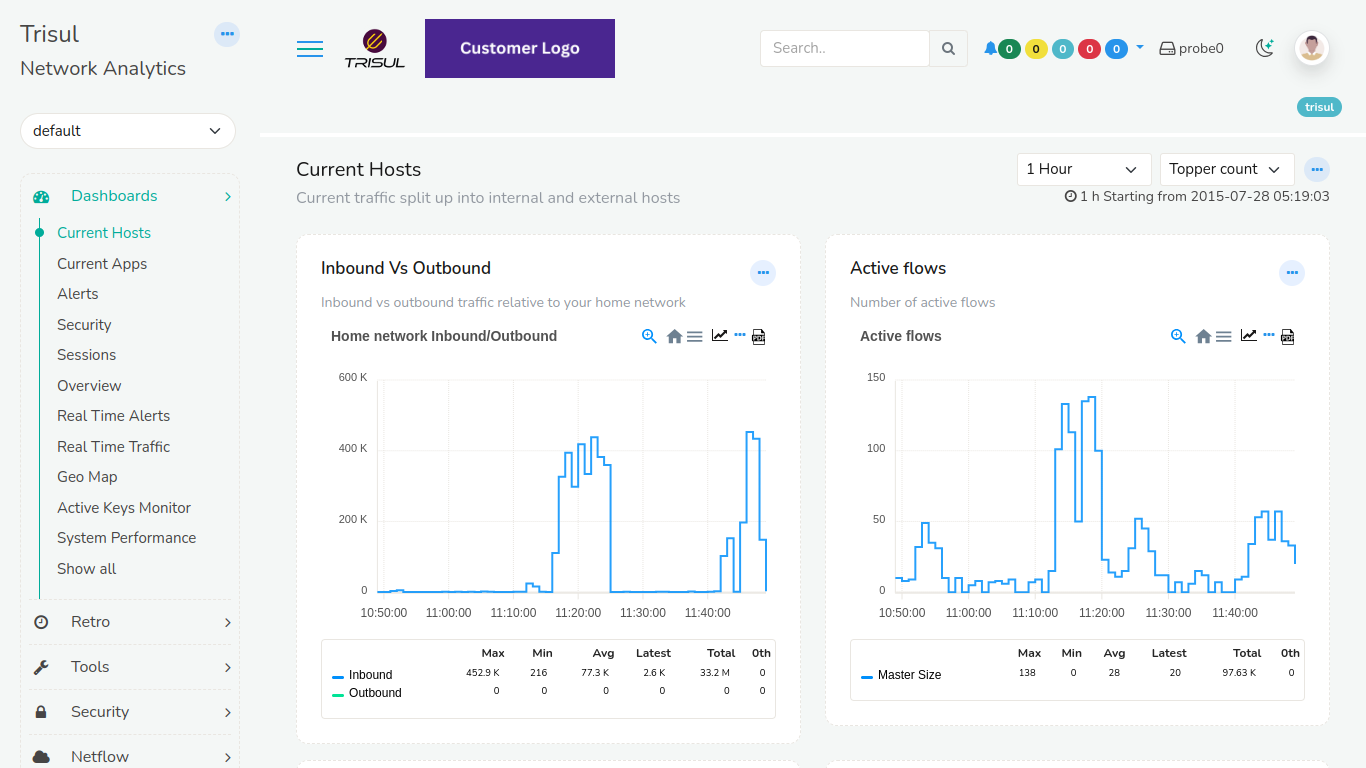
Figure: Trisul Logo with Customer Logo
- Setting 2 (User Identification)
Place a Tenant logo (admin/user) next to the Trisul Logo on the top panel as in the figure.
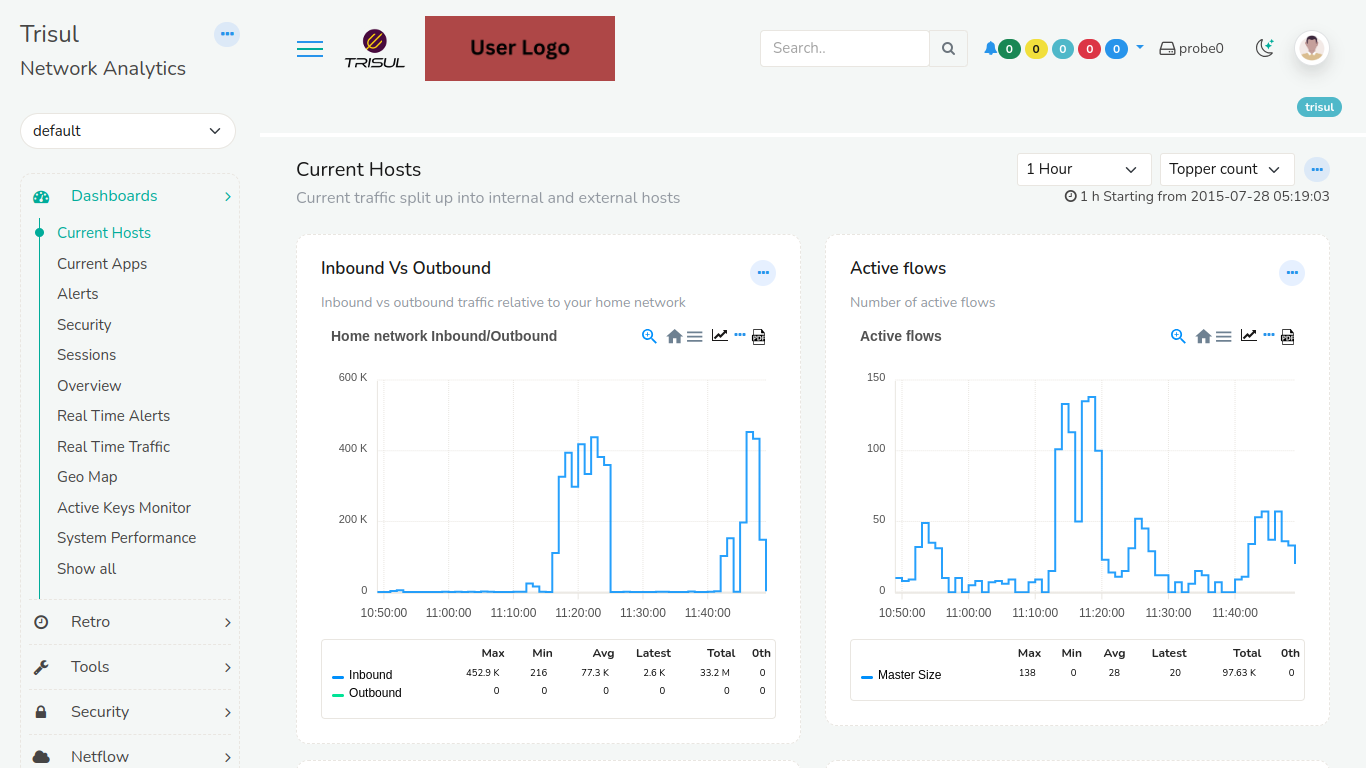
Figure: Trisul Logo with Tenant Logo
- Setting 3 (Custom Branding)
Showcase a user logo alongside a customer logo, without displaying the Trisul Logo, as in the figure.
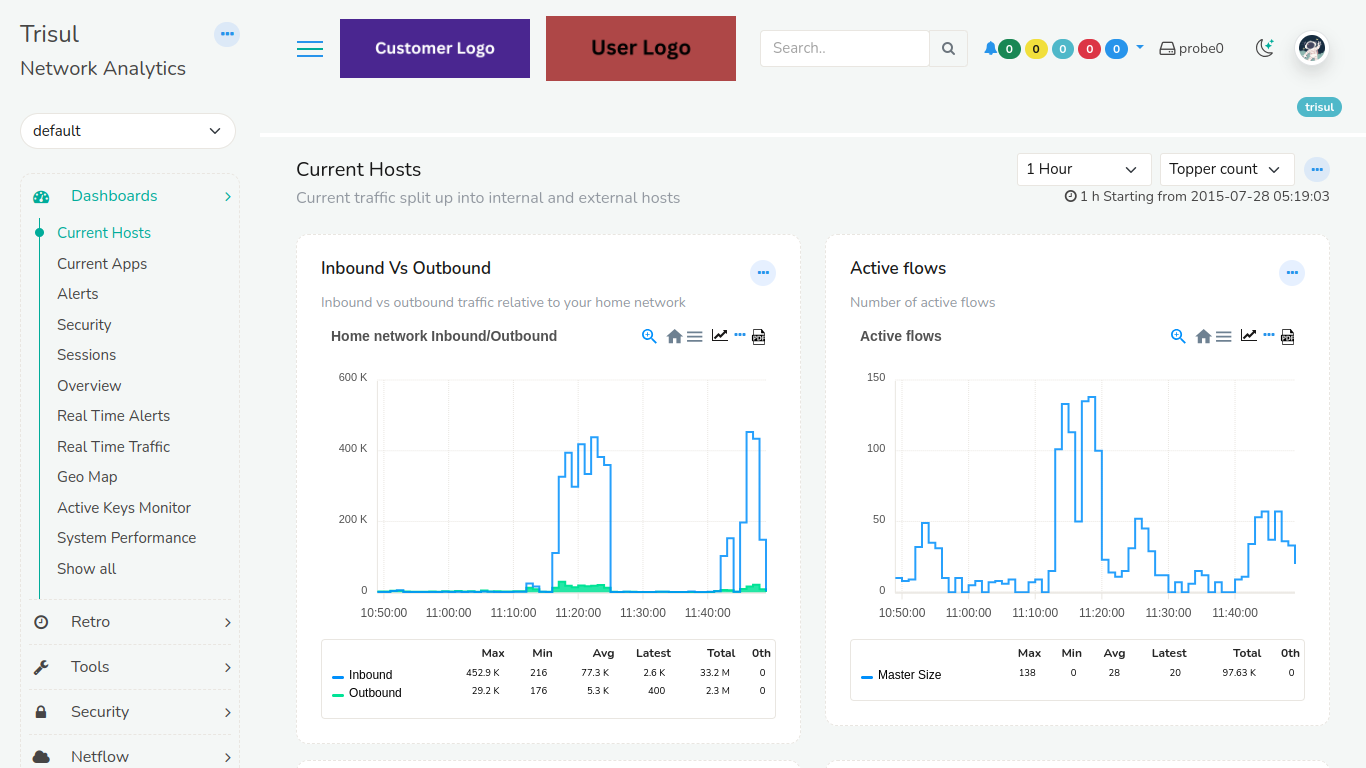
Figure: Tenant Logo with Customer Logo