Enabling NBAD
Overview
Meta NBAD is a Trisul Apps-based Network Behavior Analysis and Detection solution designed to provide visibility into network traffic, application behavior, security events, and operational anomalies.
The solution combines flow analytics, Layer 7 visibility, behavioral monitoring, traffic investigation, and alerting capabilities through a collection of Trisul Apps and dashboards. It operates using passive network monitoring and analyzes network traffic in real time as well as historically.
To access Trisul Apps, Login as admin user
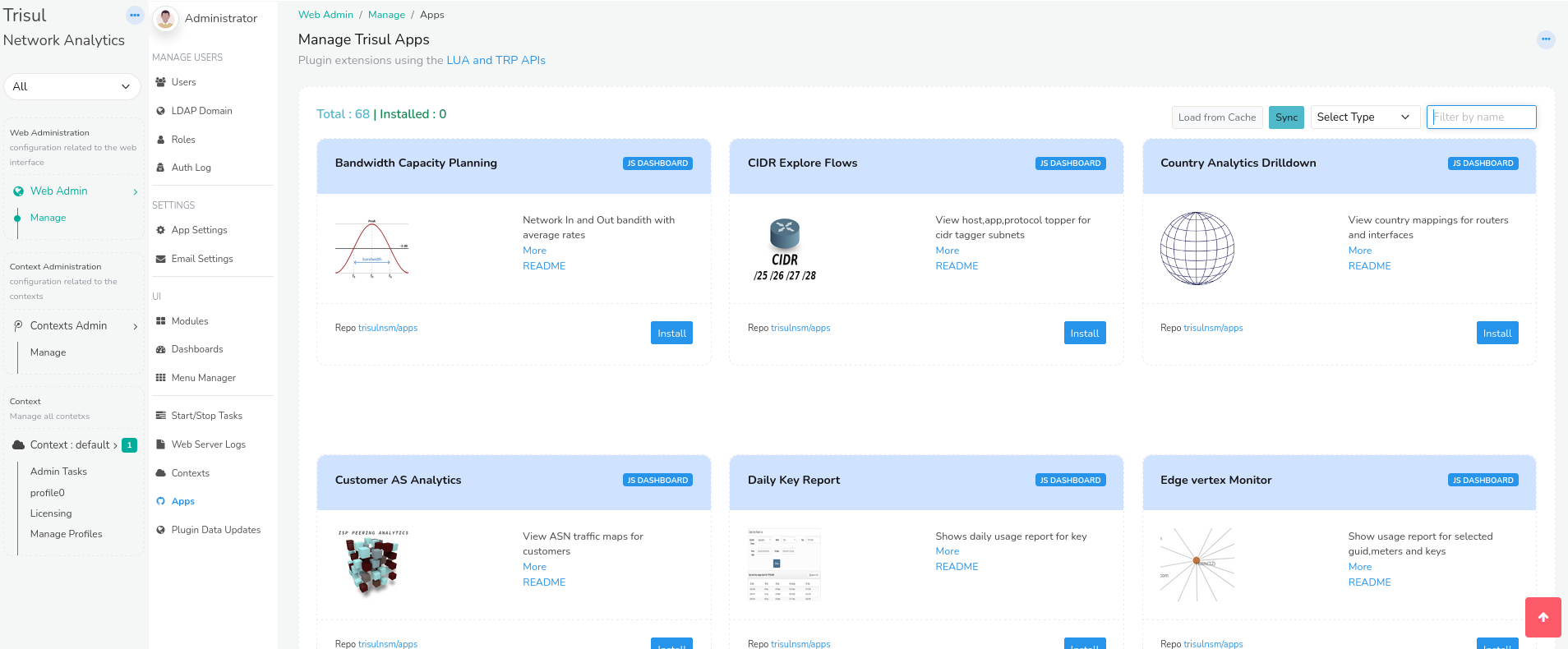
👉 Go to Web Admin → Manage → Apps
From here you can install, upgrade, or uninstall Trisul Apps.
Installation
Prerequisites
Before installing Meta NBAD, ensure that:
- Trisul is already deployed and operational
- Required monitoring interfaces are configured
- Administrative access to Web Admin is available
- Required Trisul Apps packages are accessible
Installing the Meta NBAD App
Install the Meta NBAD app from Web Admin → Manage → Apps. Meta NBAD is an app package: it installs the NBAD apps together and adds the NBAD menu, so you do not need to install each NBAD app separately.
Verify that required applications such as:
- NFGEN – NetFlow Generator
- TCP Analyzer
- DDoS Monitor
- Stable Keys
- ShiftX
are installed and enabled.
Initial Configuration
After installation:
- No minimum configuration is needed. NBAD works in NSM (packet capture) mode only.
- If NFGEN is installed, restart the Trisul probe to apply the NetFlow/IPFIX export configuration changes
Restart the Probe so the changes take effect. Use either method:
- Web UI: go to Context: default → Admin Tasks → Start/Stop Tasks, then stop and start the Probe. A pending-restart message appears next to the Start/Stop button until you do. See Start and Stop Trisul.
- Command line: run the following, replacing the context and probe names with your own:
trisulctl_probe restart context <context_name>@<probe_name>
To confirm NBAD works, open any dashboard from the NBAD menu and check that it shows data.