NFGen Flow Conversion
NBAD includes NetFlow Generator (NFGen), an app that exports the flows Trisul builds from captured packets as NetFlow v5, NetFlow v9 or IPFIX records. Use it to send Trisul's flows to a collector that expects NetFlow. NFGen does not convert other flow formats.
Enabling NFGen
To access Trisul Apps, Login as admin user
Navigation
👉 Go to Web Admin → Manage → Apps
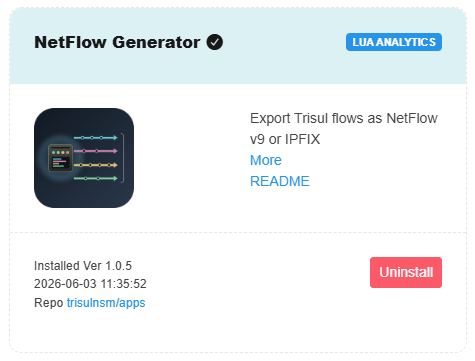
NetFlow Generator is available as a Trisul App. To enable flow format conversion, install the NetFlow Generator app from the Trisul Apps repository and configure the desired export format
Configuring NFGen
The NFGen configuration file is located at:
/usr/local/var/lib/trisul-probe/domain0/probe0/context0/config/trisulnsm_nfgen.lua
Set these keys in the configuration file, then restart the Probe:
| Key | Default | Description |
|---|---|---|
enabled | true | Turns export on or off. |
netflow_version | 'v10' | Export format: v5, v9 or v10 (IPFIX). |
collector_ip | '127.0.0.1' | IP address of the collector. |
collector_port | 2055 | Port of the collector. |
export_only_terminated | false | Export only flows that have ended. |
max_records_per_packet | 24 | Maximum flow records in one export packet. |
template_refresh_seconds | 15 | Seconds between template resends (v9 and IPFIX). |
template_refresh_packets | 10 | Packets between template resends (v9 and IPFIX). |
Supported Export Formats
NFGen currently supports exporting flow records in the following formats:
- NetFlow v5
- NetFlow v9
- IPFIX (v10)