Security Tools
The Show all menu opens the Security Tools catalog. It gathers every tool available under the Security menu in one place, with a short description of what each one does and an option to pin it directly to your own menu.
Viewing Security Tools
Go to Security → Show all.
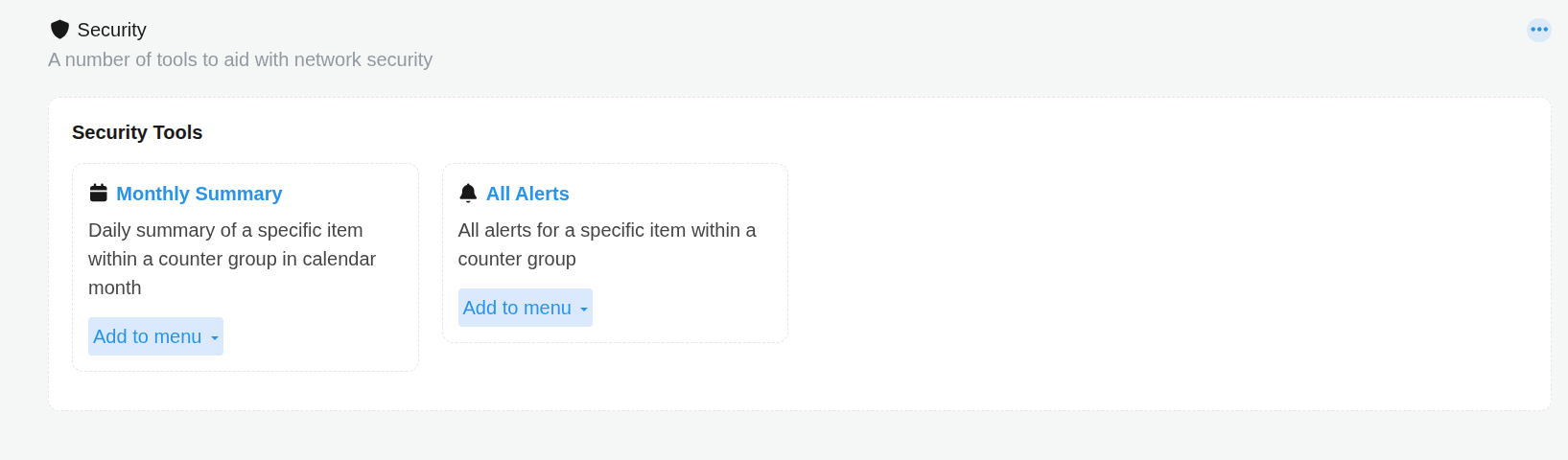 Figure: Security Tools
Available Tools
| Tool | Description |
|---|---|
| Monthly Summary | Daily summary of a specific item within a counter group, shown across a calendar month. |
| All Alerts | All alerts for a specific item within a counter group. |
tip
Add to menu turns a general purpose tool into a shortcut for something you check often. For example, pinning Monthly Summary scoped to a specific alert signature saves you from selecting that signature again every time you want the same view.