Logging In
For best results, use a current version of Firefox or Chrome.
Trisul can be accessed by pointing your browser to :
-
Via HTTP on port 3000. To use another port, see Change the Trisul webserver port.
-
Via HTTPS. See Using HTTPS.
First Login
If this is the first time you are logging in , use the built-in admin
user or user user.
To Configure
username = admin
password = admin
To View Stats
user name = user
password = user
Change the default password
The first time you log in with a default password, Trisul opens the change-password screen. You can't use Trisul until you set a new password.
- In Old Password, enter the default password.
- In New Password and New Password Again, enter your new password.
- Click Change password.
The new password must have:
- At least 6 characters
- One uppercase letter
- One lowercase letter
- One number
- One special character, for example
!,@or#. The screen lists every allowed character.
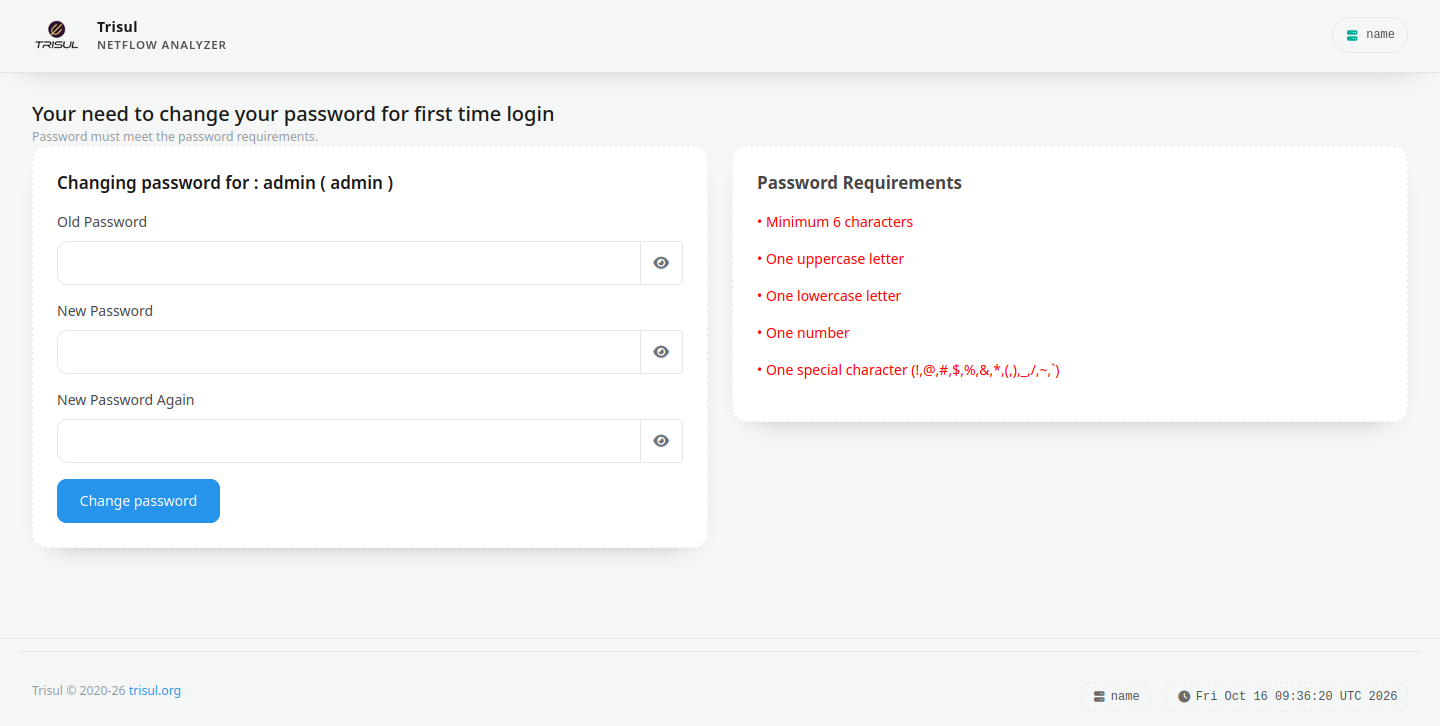
Figure: Mandatory password change at first login
To change your password later, see Change Own Password.
Contexts
Contexts are multiple analysis domains in Trisul. At login time you must select the context you wish to analyze. Hover your mouse over each context name to get a description of what the context contains.
If you only have one context, which is the most common case, the choice is not shown.
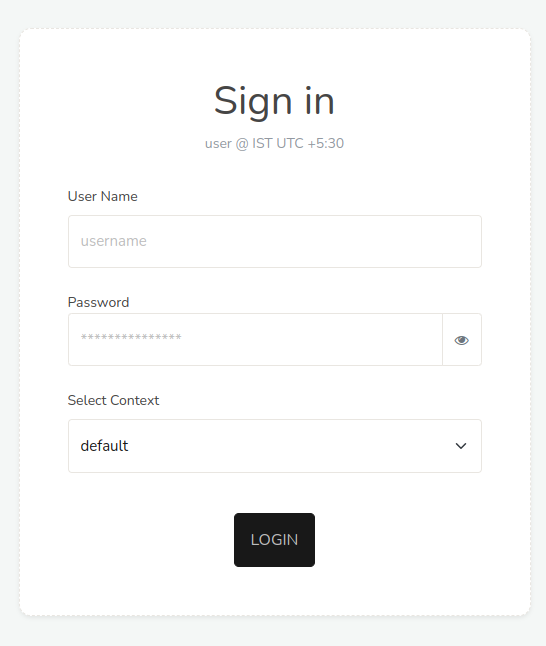
Figure: Login Screen
Logout
You can logout by clicking the logout at the top left.
Inactivity Security Timeout
Due to the sensitive nature of the data presented by Trisul, there is an inactivity timeout associated with each user. If no user interaction is seen by the WebTrisul server for a certain period of time, the user is automatically logged out. They will then have to present their login/password again to re-enter the system.
You can increase inactivity timeout
👉 To access, Login as Admin. Select Manage → App Settings → Web Server → Idle Timeout
If you want to disable it - set it to some huge value (1000000 seconds)
Login Rules
-
If you login from a second location, Trisul will kick the first session out.
-
The superadmin (ie the user with username
admin) can login from any number of places. -
All other users can have only one active session. For example, if you log in at home, forget to log out, and then log in at work, your home session is logged out automatically.
-
The admin user can Force Logout any user with a stuck session.
-
Remember me functionality is not available
-
The same inactivity timeout applies to all users including admin
-
All login activity including inactivity timeout is logged (See Admin → Tasks → User Auth Log)
You can allow specific users to also login from multiple locations at a time