SMS Configurations
The SMS Configurations page allows administrators to configure an SMS gateway for Two-Factor Authentication (2FA). Once configured, Trisul can send one-time passwords (OTPs) or verification messages using the selected SMS provider.
navigation
👉 Login as admin → Web Admin → Manage → SMS Configurations
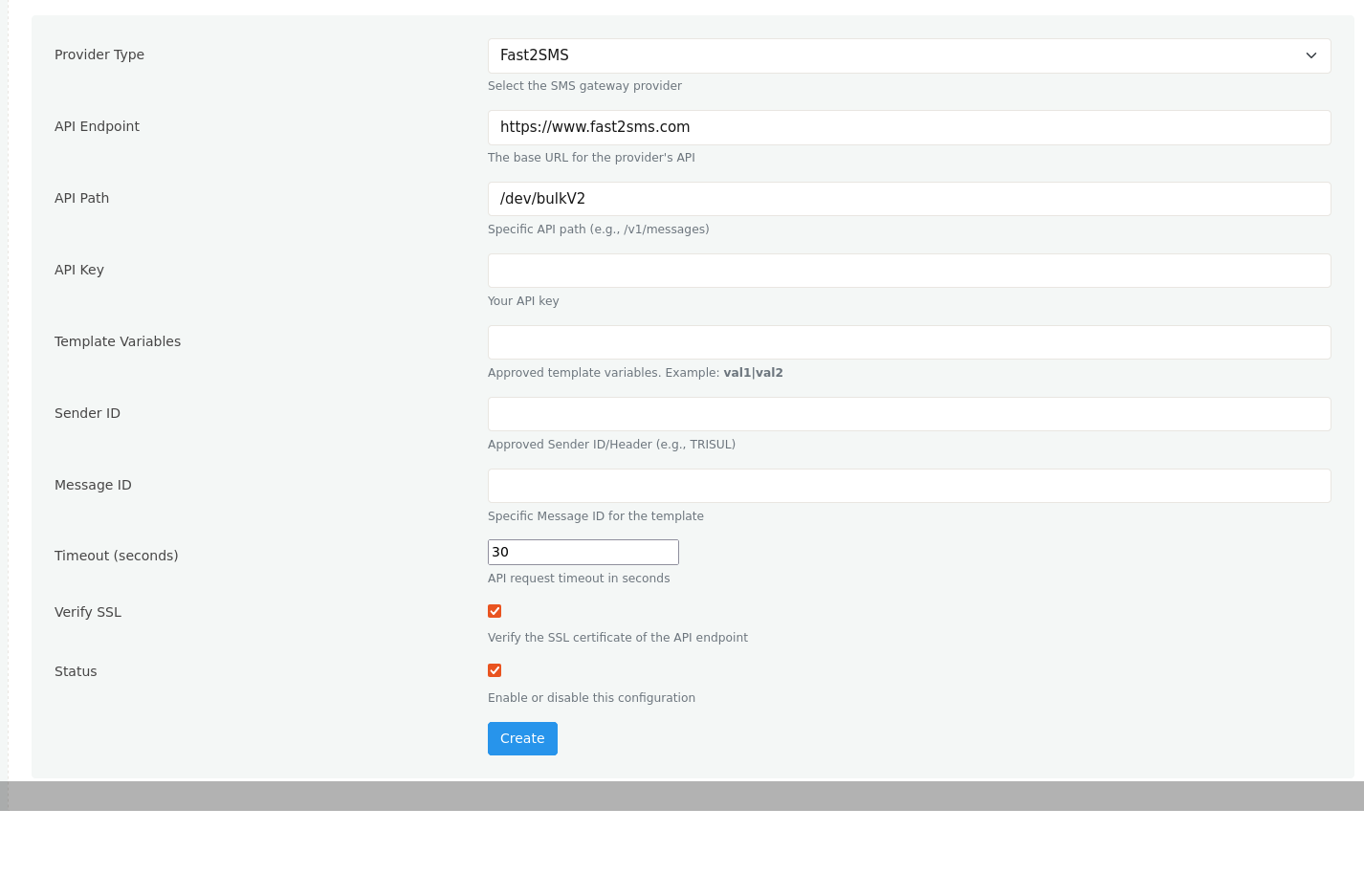
Figure: Creating a new SMS configuration
Configuration Fields
| Field | Description |
|---|---|
| Provider Type | Select the SMS gateway provider. |
| API Endpoint | Base URL of the SMS provider's API. |
| API Path | API endpoint path used to send SMS messages. |
| API Key | Authentication key provided by the SMS gateway provider. |
| Template Variables | Variables defined in the approved SMS template. Configure multiple variables by separating them with the pipe (|) character. |
| Sender ID | Registered sender ID or SMS header approved by the SMS service provider. |
| Message ID | Approved template or message identifier associated with the SMS template. |
| Timeout (seconds) | Maximum time Trisul waits for the SMS provider to respond before timing out. |
| Verify SSL | Enables SSL certificate validation for API communication. |
| Status | Enables or disables the SMS configuration. Only enabled configurations are used for sending SMS messages. |
| Create | Saves the SMS gateway configuration. |
Notes
- These settings are primarily used for sending Two-Factor Authentication (2FA) messages to users during the login process.
- Multiple SMS configurations can be created, but only enabled configurations are used by the platform.